

No session received yet means Flowzito can see a Forma tab, but the Autodesk session is not ready for the extension to use.
Recovery steps
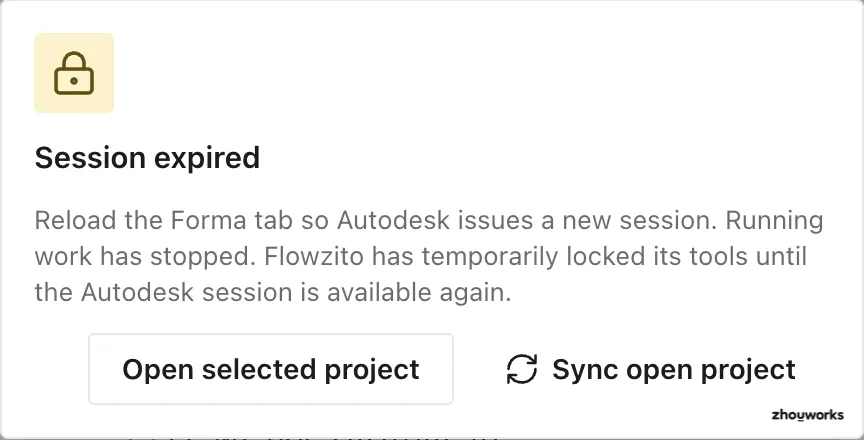
When the session expires, Flowzito stops running work and offers actions to recover the intended project context.
- Open Autodesk Forma and make sure you are signed in.
- Reload the Forma tab; if no project is open, open one.
- Return to Flowzito and wait for Autodesk session active.
- Verify project context before running the tool again.
If reloading does not restore the session, open the intended project in Forma and return to Flowzito. When available, use Sync open project to follow the current Forma tab or Open selected project to open Flowzito’s selected project.
When a session expires, running work stops. Flowzito can temporarily lock tools until the session becomes available again.
Avoid duplicate writes
Do not keep pressing a write action while the session is unstable. For a Paused job, restore the session and use Jobs/Continue instead of creating a new operation by guesswork.
If the session is active but the project differs, see Flowzito selected the wrong project.