

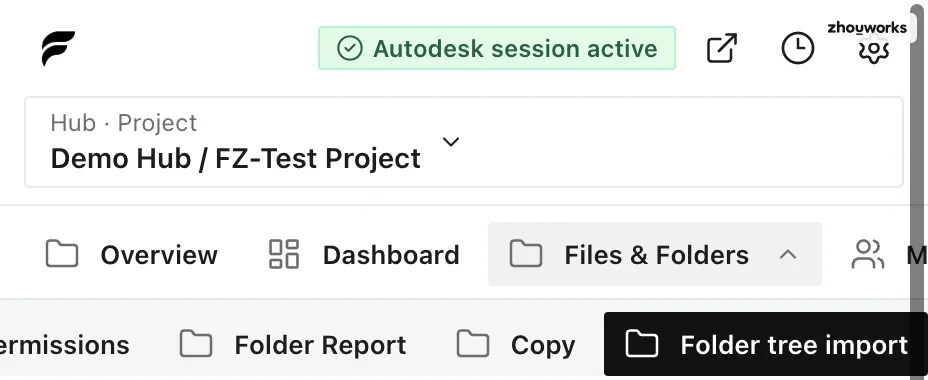
Flowzito uses the Autodesk session and project context from the Forma tab. A write workflow must stop when that context does not match the project selected in the extension.
Symptom
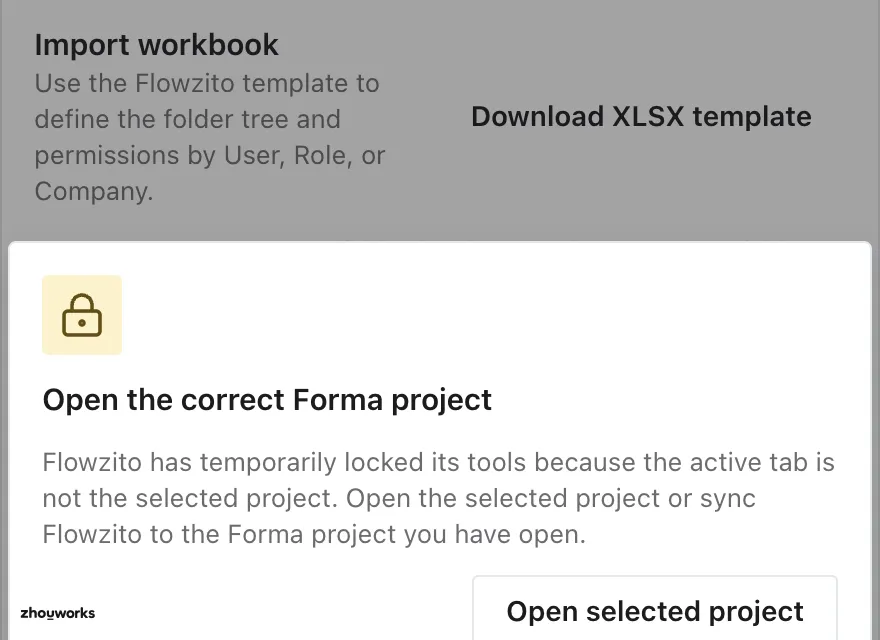
Flowzito reports a project mismatch. Use Open selected project to open Flowzito’s selected project, or Sync open project to make Flowzito follow the project currently open in Forma.
Recovery
- Confirm which project you intend to change.
- Choose Open selected project so Forma opens that project.
- Wait for the Autodesk session to become active again.
- Return to the tool and build a fresh Preview before any write.
Why preview again?
Sources, destinations, members, and permissions belong to a specific project. A preview created before the project changed no longer represents what you are about to modify, so create a new preview before confirmation.
Member import also checks this at confirmation and sends no write when the Forma tab does not match.