

When importing new members into Autodesk Forma, Flowzito Import members XLSX can include Company and multiple Roles with each invitation.
Prepare the row
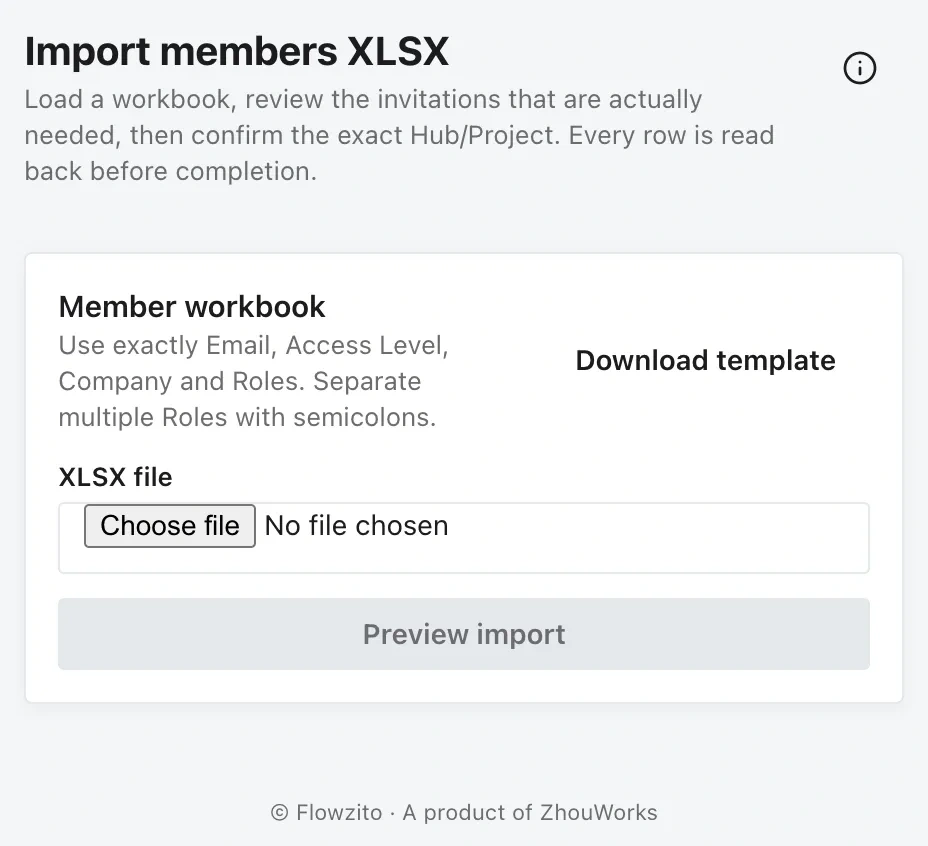
Flowzito requires these four headers; multiple Roles are separated with semicolons.
Keep Email, Access Level, Company, Roles. Separate multiple Role names with ;, and do not use formulas.
Preview before sending
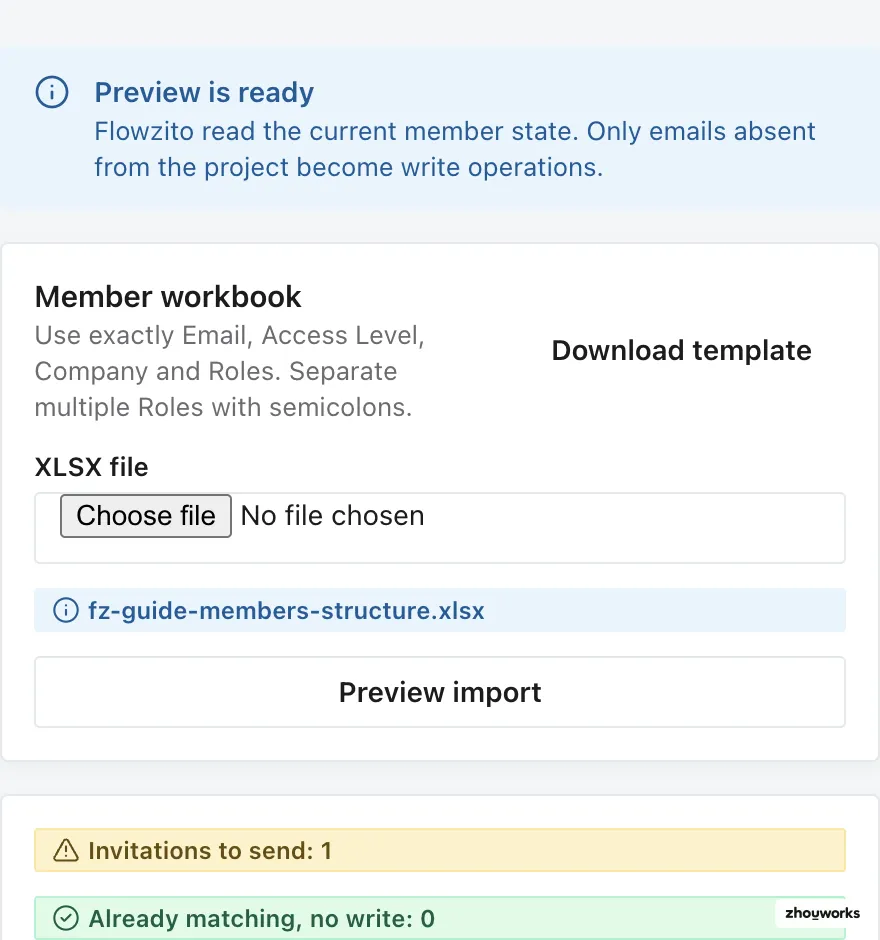
The structure fixture was genuinely parsed and previewed; the capture stops before Send invitations.
Flowzito creates write operations only for emails absent from the project. If an existing member differs in Company, Roles, or Access Level, that row becomes an issue rather than being overwritten automatically.
Bulk import is therefore not a forced metadata-sync tool for existing members.
Validate Company and Roles
Company and Role values must resolve uniquely in the catalog Flowzito can load. If a value is missing or ambiguous, stop at Preview, verify the exact Company/Role name in Autodesk, and correct the workbook before sending invitations.
Confirm and verify
Before Send invitations, recheck the Hub/Project and invitation count. Each row then has to pass Autodesk visibility and read-back; treat Verified as complete.
For an existing member, use Member administration.