

Direct, inherited, and effective access answer different questions.
Direct access
Direct access is assigned on the folder currently being inspected to a specific subject: a User, Role, or Company.
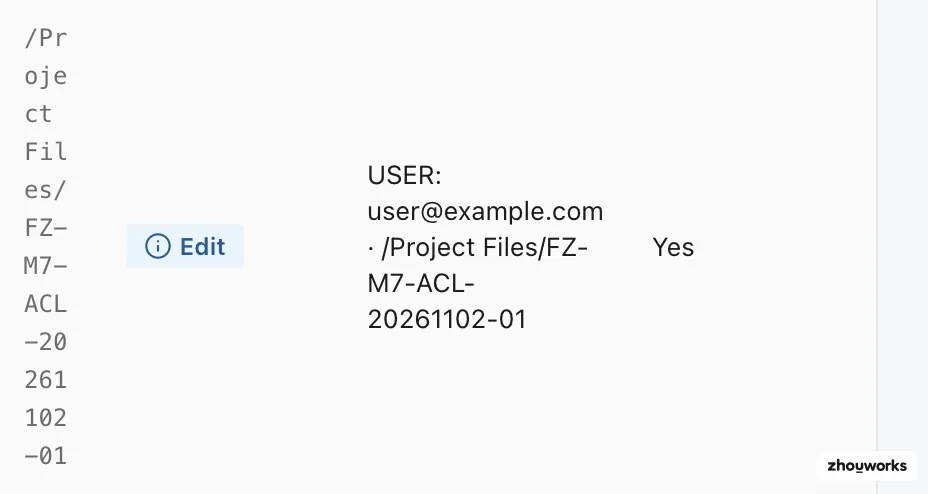
Inherited access
Inherited access flows from the parent folder and still applies at the current folder.
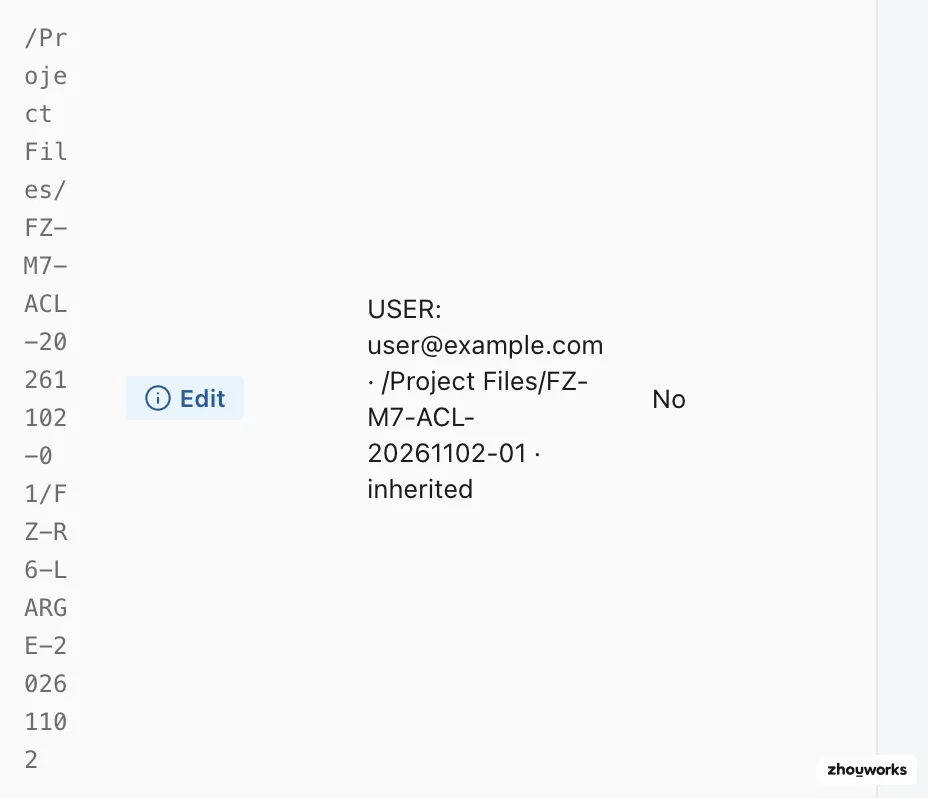
Effective access
Effective access is the result after applicable sources are combined. Flowzito shows Subject effective access and, for users, User effective access via User/Role/Company.
A person can therefore have no direct User row and still receive access through a Role or Company.
Why a lower direct row does not defeat inheritance
If the parent already grants a higher level, adding a lower direct assignment does not make the inherited grant disappear. Flowzito blocks a desired level below inherited access rather than applying a change that cannot achieve the requested result.
What “Use inherited access” does
In Folder permissions, Use inherited access can resolve to removing the direct permission so the folder falls back to inheritance. The preview shows that operation explicitly.
Use Folder permissions for one subject on one folder and User Permission Inspector for one person across the tree.