UlaFlow · TIME, IN YOUR RHYTHM
Focus without losing your flow
Make room for focus, rest and interruptions. See the time you recorded, and return when you are ready.
A DAY HAS MANY RHYTHMS
Real days have different rhythms
Start a task, take a break, record an interruption and return. UlaFlow makes room for the moments that shape your day.

01 / FOCUS
Start a task
Settle in and begin writing.

02 / REST
Take a break
Step away and have some water.
03 / INTERRUPT
A call comes in
Record the interruption yourself.

04 / RETURN
Find your way back
Continue when you are ready.
05 / REFLECT
Look back
See the time you recorded.
An illustrative day. You record interruptions yourself.
IPHONE
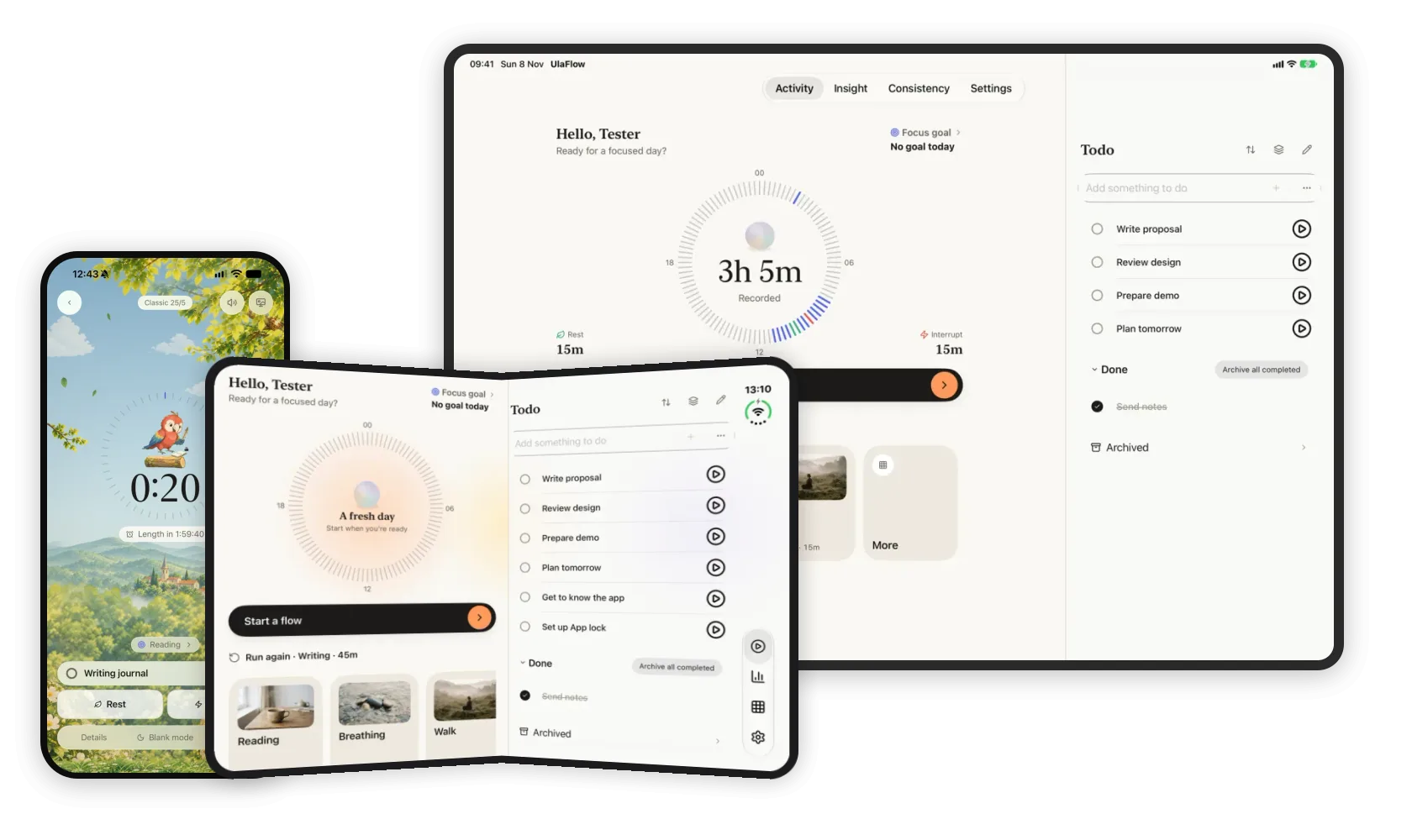
UlaFlow on iPhone
IPAD
UlaFlow on iPad
DUO
UlaFlow on Duo
TOOLS FOR YOUR RHYTHM
More than one way to focus.
Choose the tools that work for you, and give rest and interruptions a place in the picture.
01 / FOCUS ENVIRONMENT
A space for focus
Choose music or a soundscape for a Focus session. A separate Rest session can make room for breathing.
Explore this feature 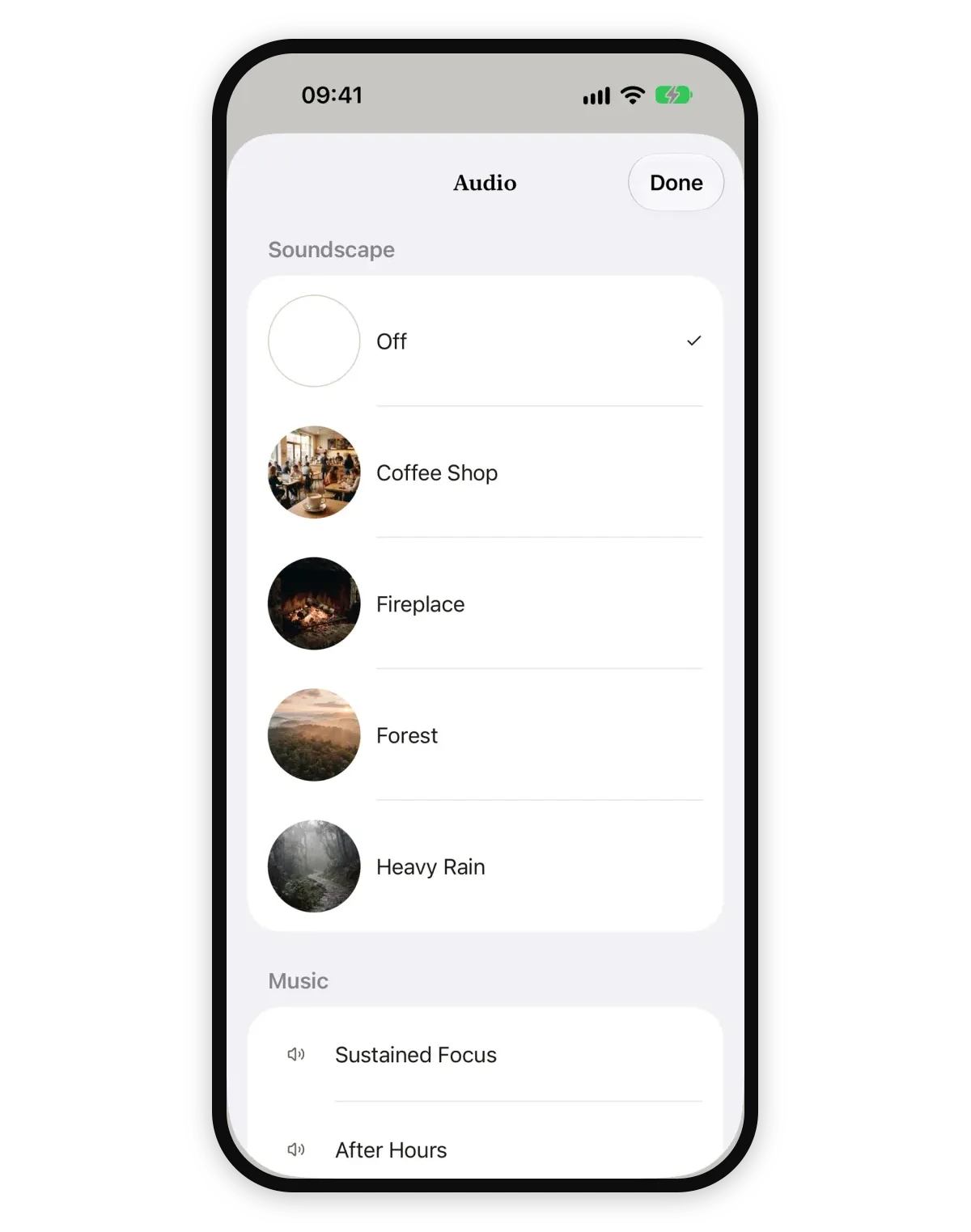
02 / INSIGHTS & CONSISTENCY
See the time you recorded
Insights show recorded time; Consistency helps you reflect on returning to activities over time. No log simply means no record.
Explore this feature 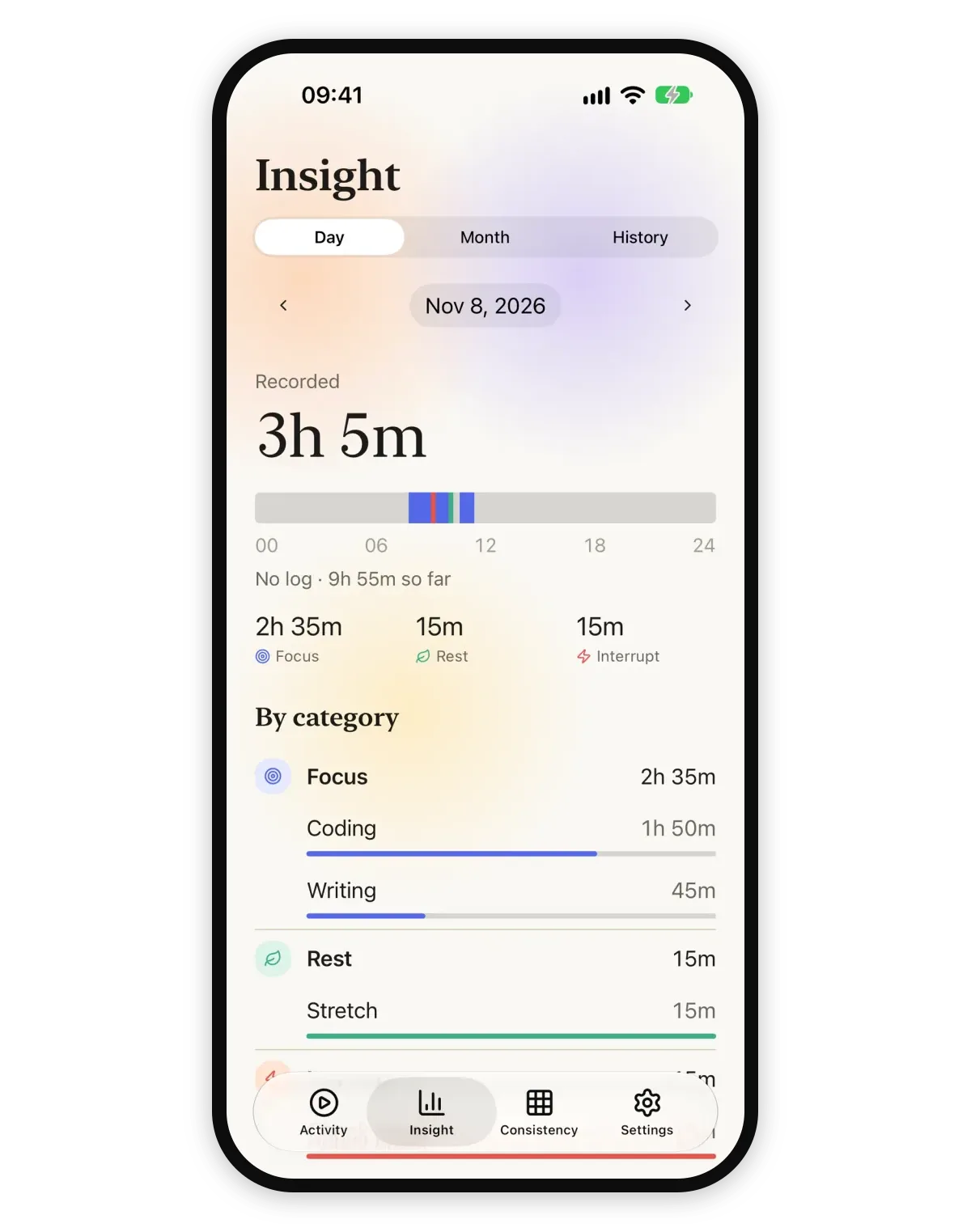
03 / APP LOCK · IPHONE
Protect your focus
App Lock can limit selected apps during an iPhone Focus session, subject to device permissions and availability.
Explore this feature 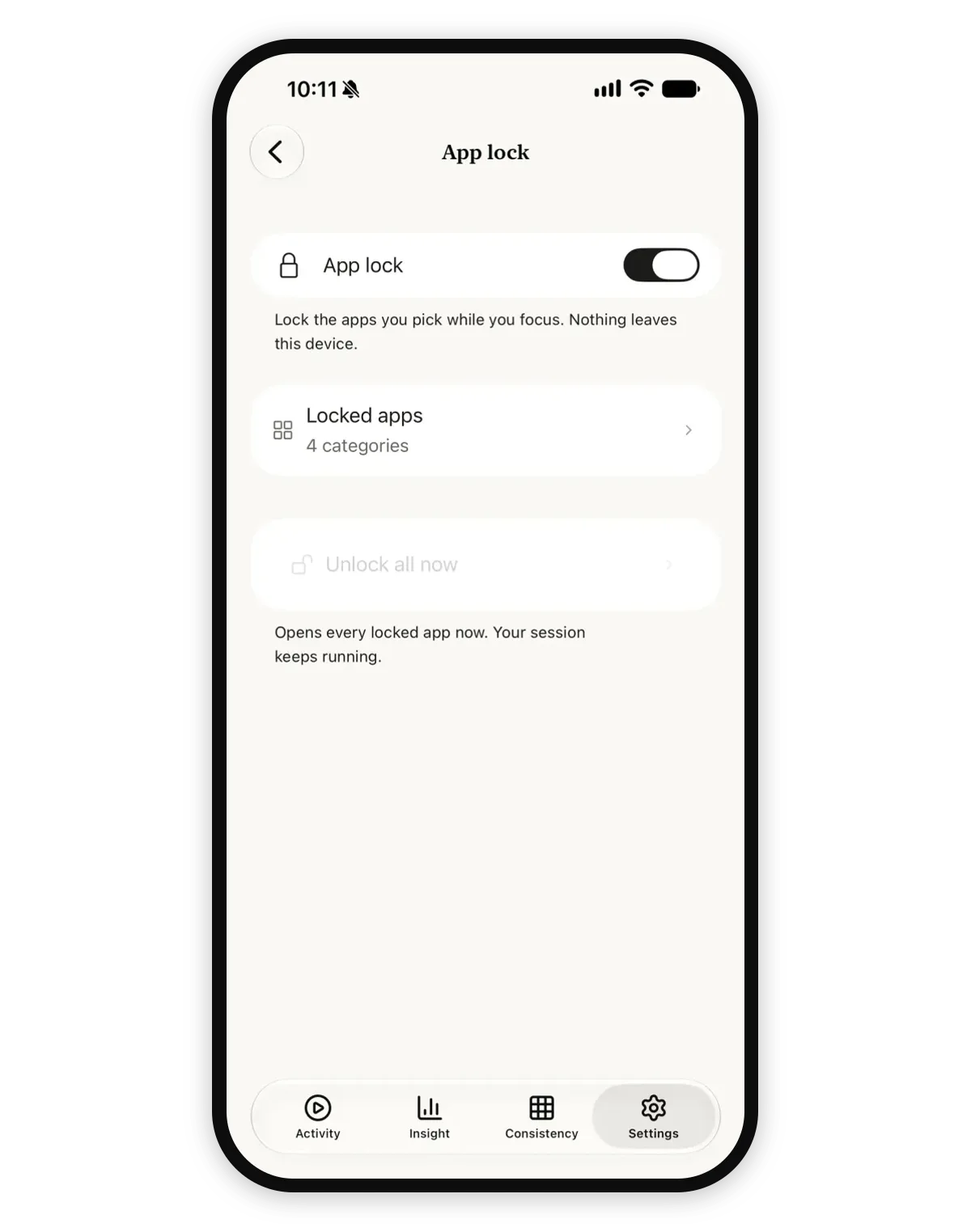
04 / YOUR THEME
Make the space your own
Choose a Theme and Companion that feel right for you.
Explore this feature 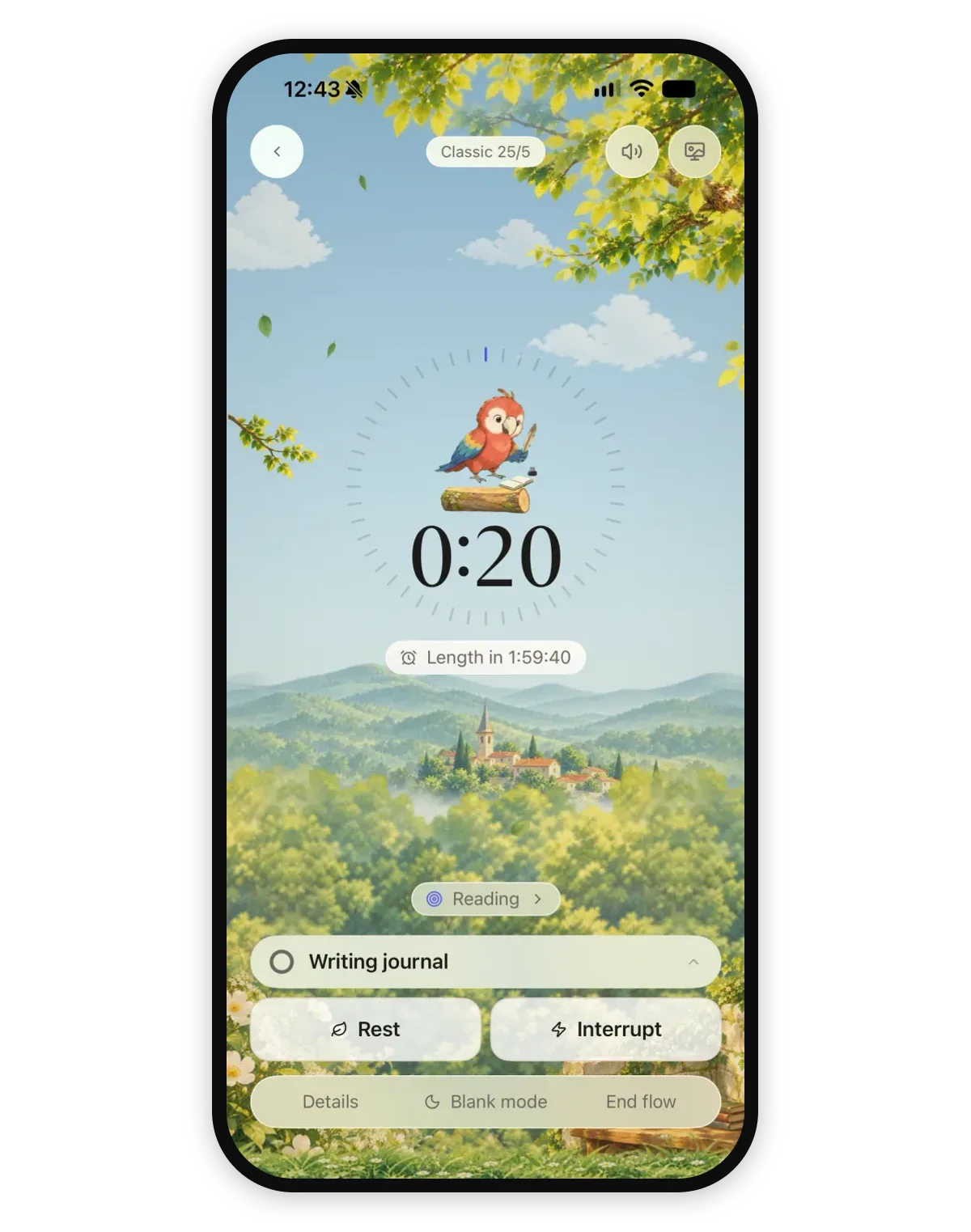
05 / EVERYDAY TOOLS
Start with what matters
Keep track of a task and record Focus, Rest or Interrupt in a rhythm that suits you.
Explore this feature 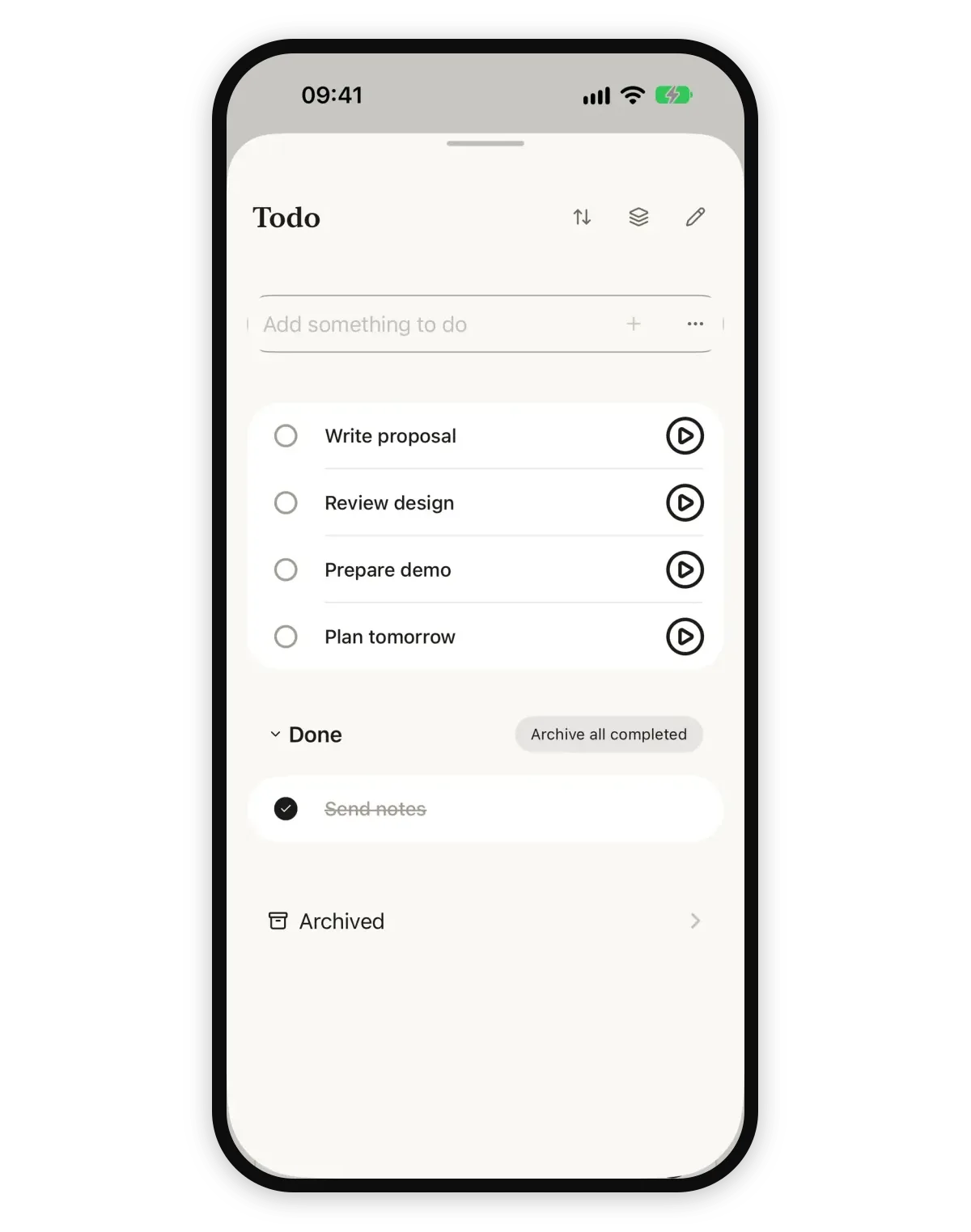
EXPLORE ULAFLOW
Start with what you need.
FAQ
Questions about UlaFlow
What is UlaFlow?
UlaFlow helps you record focus, rest and interruptions, then reflect on the time you recorded.
Does No log mean I wasted time?
No. It means there is no record for that time; it does not say what you were doing.
Do I have to follow a fixed cycle?
No. UlaFlow makes space for a rhythm that suits you.
Does UlaFlow record interruptions for me?
No. You record interruptions yourself. The day shown on the overview is an illustration, not an automatic log.
ONE DAY, MANY RHYTHMS
A day can be interrupted. You can continue at your own pace.
A PRODUCT FROM
