

A shop prints a QR code on a plaque by the door. Two months later the menu moves to a new web address. Customers scan the plaque and land on the old page, or on an error, and the owner asks whether the code is "broken".
It is not broken. It is doing what was written into it on the day it was printed. Static vs dynamic QR code, in the way code-generator services use the words, comes down to what goes into the square: a static code stores the place to open, and a dynamic code stores an address owned by a service, which then sends the scan on to a page you choose. A dynamic code swaps reprinting for upkeep: you can change the destination without reprinting, but you have to keep the service running. So the useful question before printing is not which kind is better. It is which chore you would rather carry: reprinting when things change, or keeping an account alive for as long as the sign hangs.
Where do static and dynamic QR codes actually differ?
DENSO WAVE's standards page, from the company that created QR Code, says the code was approved as an ISO standard (ISO/IEC 18004) in June 2000. That page covers size, capacity and error correction. It does not define "static" or "dynamic". Those are service wording, so the same word can mean slightly different things from one provider to the next. Here the words mean destination stored versus forwarding address stored; bank payment codes are in the last section.
A phone scanning a code reads only what was written in the square. If that is a web address, the phone opens it. Whether the address then forwards to another page is up to the server behind it, not something stored in the picture. That gives two kinds:
- Static: the destination data is in the square itself. It can be a page address, a line of text, a contact card, or Wi-Fi connection details.
- Dynamic: the square holds the address of the generator service. A scan reaches the service's server, which forwards to the page you configured. Change the page in your account and the next scan goes to the new place.
Static QR code: the destination is stored in the square
A static code is finished when it is printed. The data travels with the paper, and no account is needed for later scans to give the same result, as long as the phone can read the square and, for a web address, the page still exists. The flip side is that there is no "edit the printed code" button. Changing the Wi-Fi password, a page path or a phone number in a contact card means making a new code and replacing the old one. The old code still holds the old data, and keeps opening it until someone takes it down.
Static suits a destination that rarely changes, such as an about page on your own domain (the name part of a web address), and signs that will stay put for a long time without depending on a third party. It suits you poorly if the destination address changes every season and plaques already hang on several doors: the cost is taking down and replacing each one.
Dynamic QR code: the square holds a service address
A dynamic code turns "reprint" into "keep the service". The square holds a short address managed by the provider. When the menu moves, you edit the destination in your account and the plaque stays as it is.
What breaks a dynamic code is the forwarding step. If the plan lapses, the service's own address is switched off, or the account is locked, the plaque still scans, but what it opens is the service's address, not your page.
Which one should you print? Three steps before the print run
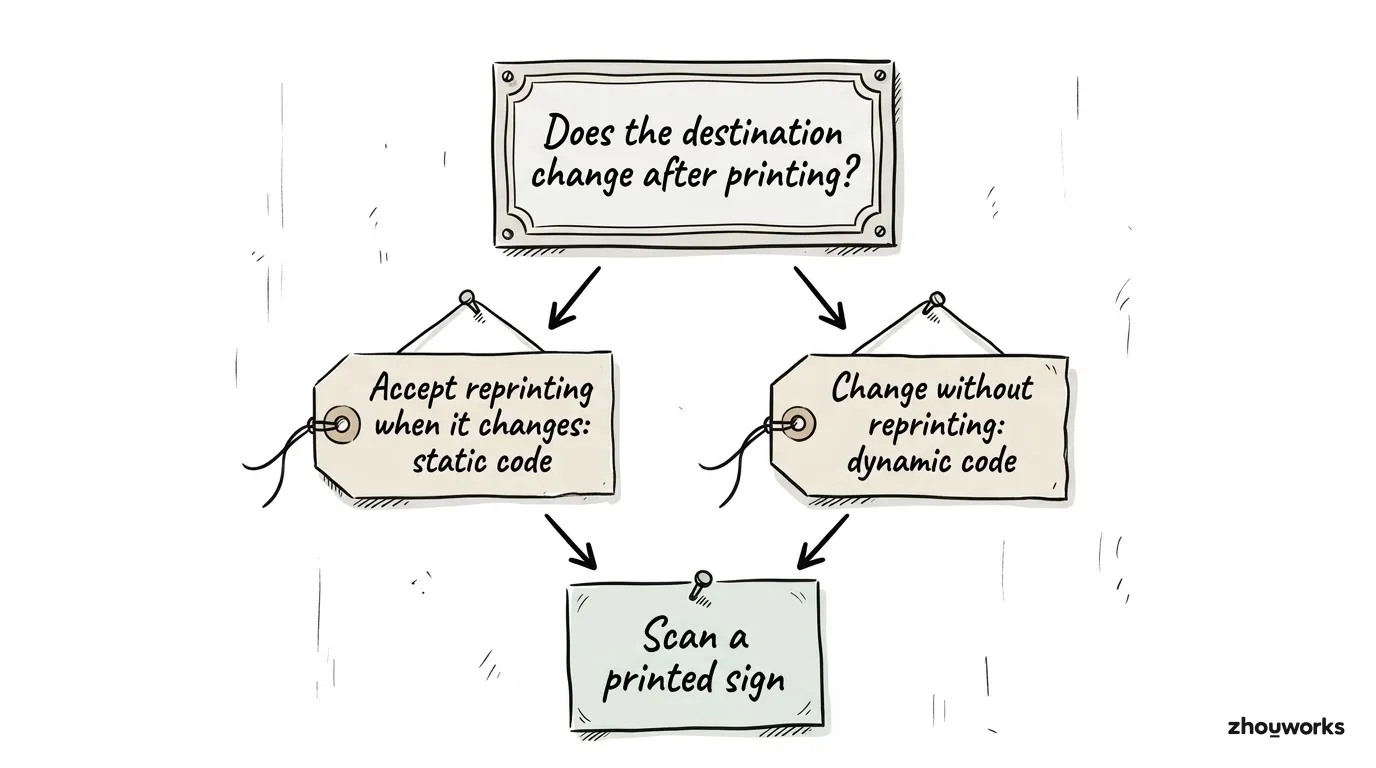
A dynamic code differs in the redirect behind it, not in the square printed on paper.
Steps 1 to 3 are this article's suggestion.
- Ask: does the destination change after printing? If it never changes, or you accept reprinting when it changes: static code, and stop here. Changing dishes on the same path is not a changed destination.
- If it must change without reprinting: dynamic code, so ask the service three things and write the answers in the shop's notes. Is the address inside the square the service's address, or the final page? Where does a scan go when payment stops? Who may change the destination, and are changes logged? If the first answer is missing, do not call the code dynamic just because the invoice says "dynamic".
- Scan a printed sign before you make a batch (how, in the next section).
| Situation | Choose |
|---|---|
| A Wi-Fi password you manage and rarely change | Static. When the password changes, print a new code. |
| An about page on your own domain, path not expected to move | Static, pointed straight at that page. |
| A menu or price list whose address may change, signs hard to swap | Dynamic, with a note of which service forwards. If only the dishes change on the same path, static is still enough. |
| An outdoor sign up for months, with document links that may move | Dynamic only if the service will certainly run that long. Otherwise use a stable address you control and a static code. |
How do you test a code that is already on the wall?
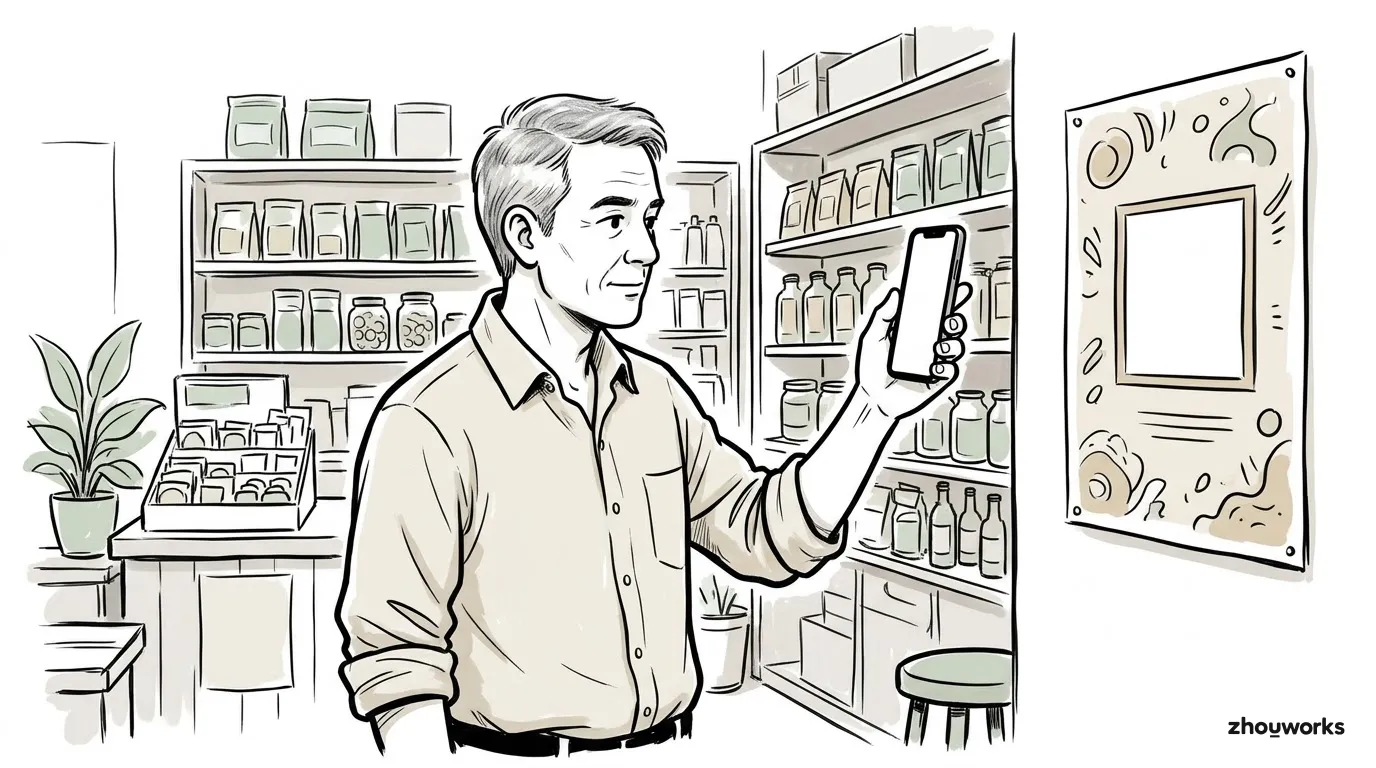
Scan once before printing a batch, and check that the destination is the right task.
Use a phone that is not signed in to the account that made the code, so you see what an ordinary customer sees, and scan the sign that is actually hanging, not the master file on the computer.
Depending on the phone and its operating-system version, it may show the address before opening the page. If it does, write it down. If it is the service's name first and your page second, the code depends on forwarding. If it is already your final page, the code is behaving like a static one. If the page opens at once and no address is shown, this scan has not shown you what is stored in the square, so do not infer the type from it.
This scan cannot test a service that has stopped, because switching off your own destination page does not stop the service. Ask the service what happens then, in step 2. On an outdoor sign, also scan it once it has got dirty: a very dirty square scans badly.
Put a name next to two jobs: who replaces the sign, and who holds the service login.
Example: a cafe changes its menu page twice
Take a hypothetical cafe. It hosts its menu at an address of its own and picks a static code for exactly that address. A month later it changes dishes on the same page; the code is still right, because the square never held a list of dishes, only the page address.
The month after, the page moves to a new domain. The static code still opens the old one, so the cafe either prints a new sign or keeps a page on the old domain that sends visitors on. That forwarding page is website work and does not make the code dynamic. A dynamic code is one that held a service address from the start, so the destination is changed in the service account. Had the cafe gone that way, it would skip the reprint but would need to know who holds the account password and what happens if the plan is not renewed.
Cases that need their own reading
Payment codes. Codes that collect money are made by a banking or wallet app, and "static" and "dynamic" there may mean something different from this article. When you print a code to receive money, follow the instructions in the app you use.
Error-correction level. QR codes have four error-correction levels, which DENSO WAVE gives as roughly: L about 7%, M about 15%, Q about 25%, H about 30% of the code's data. A square that is dirty or torn within that budget can still be read. A higher level reads more robustly but makes the code denser: According to DENSO WAVE, Q or H suit places where the square gets dirty, and L suits clean places that need a lot of data. The level has nothing to do with static or dynamic, and it does not update the path when you change your website.
So static vs dynamic QR code is not two symbol standards. Both are the same square under ISO/IEC 18004. The difference is what you choose to write into it, and whether a later scan needs an intermediate service that is still answering.
Making a static code in the browser
The ZhouWorks QR generator at /tools/qr-generator makes static codes: the data is written straight into the square, processed in your browser, and not stored on a server. It has a Wi-Fi type and a business-card type, and lets you download PNG or SVG after you have test-scanned the result. Because the code is static, changing the data means making a new code and replacing the old sign. The tool is not a forwarding service, so there is no changing the destination after printing.
Keep reading
Technology7 min read
How to create a Wi-Fi QR code for an office or a café
Pick the guest network, type it on your own device, print the code and test it with a phone that has never joined.
Technology6 min read
Connect Notion to ChatGPT: three ways, three data directions
Three ways to connect Notion and ChatGPT, per the help pages. Each has its own direction of data; button names follow the current help.